KontraBass Studios
Music apps for the music room.
Two free apps for the music room: a tuner and metronome for band, choir and orchestra students, and fingering charts for band and orchestra instruments.
Tuner Buddy
A tuner and metronome. Play a note, see the note you read on the staff, and watch the dial to push in or pull out.



Note Buddy: Instrument Fingerings
Pick a note on the staff and see exactly how to play it, with other ways to play it and when to use them. Band, strings and keyboard percussion.
Tuner Buddy
It shows the note you read, not the one you hear.
A tuner and metronome for the music room. B♭ clarinets, E♭ saxes and F horns sound different from what's written, so Tuner Buddy shows the written note on the staff, with the concert pitch underneath.
Staff and note name
The note lands on the staff with the right clef (treble, bass or alto), ledger lines and accidentals, next to a big note name.
Push in, pull out
A dial shows how flat or sharp you are, with plain tips like “push in” and “pull out”. Green means in tune.
Just intonation for smooth chords
Flip the Equal / Just switch right on the tuner screen, then tap the key signature from your music, major or minor. Notes are tuned to pure intervals from that key's home note, and B♭ and E♭ players pick the key they read.
A metronome with arrows
Up and down arrows set the beats per bar and the note that gets the beat. Add subdivisions: eighths, triplets or sixteenths.
Ready for the music room
Set the reference pitch (A = 440, 442 or anything from 430 to 450), choose how close counts as in tune, and turn the microphone to Low when it's loud.
Note Buddy
Pick a note. See how to play it.
Tap a line or space on the staff and the picture shows the keys, valves, slide position or string and finger. It is written for young readers, with big type and plain words.
24 instruments
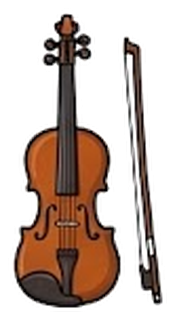
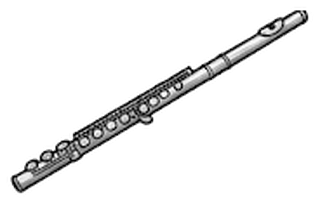
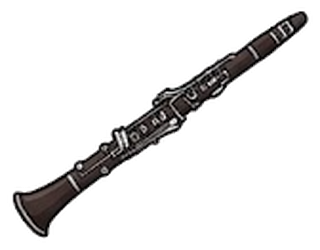
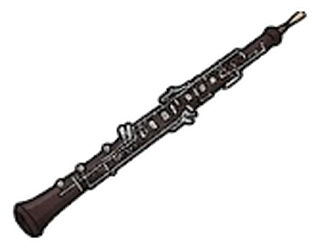
Flute to tuba, violin to double bass, plus glockenspiel, xylophone, vibraphone, marimba and chimes, each with its full range. Performers pick their own instrument once and the app opens right to it; a band director can switch to Director mode to browse every instrument. You can also switch on 19 advanced instruments in Settings, like E♭ clarinet, English horn, F tuba and C trumpet.
Other ways to play it
Alternate fingerings come with a reason: other pinky, smoother half steps, trills, better sound, easier fingers, another string or position.
Looks like sheet music
Engraved staves, the right clef for each instrument, and a day and night look.
Made for young readers
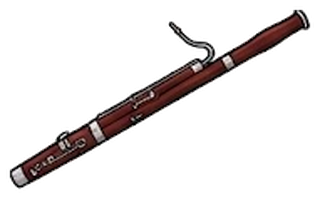
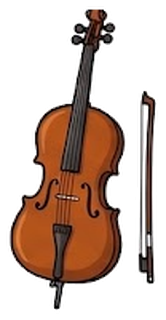
Big type, plain words, and a picture of each instrument so students find theirs fast.



Made for kids
Built with young players in mind.
Band, choir and orchestra students are often under 13, so the ads and the store are set up with that in mind.
Kid-safe ads
One banner at the bottom of the tuner, in the app and on the web. Ads are set as child-directed, so they are not personalized.
You choose the videos
In the Android app, a video only plays when a student taps a locked theme and agrees to watch. The tuner is never locked.
One simple purchase
In the Android apps, paying once through Google Play removes the banner and unlocks every theme. There are no subscriptions and no other purchases.
Listening stays on your device
The microphone is only used to find the pitch, in the app or in your browser. Nothing is recorded or sent anywhere.
Privacy policy
Your privacy
No accounts, no recording, no personalized ads. Read the full privacy policy.